Free SVG cut templates
Twelve basic shapes, drawn at true size in inches. Each is one clean, closed outline with no text and no effects, so it imports and cuts without surprises. Download what you need. No sign-up.
 Circle sticker, 2 in2 x 2 inDownload SVG
 Circle sticker, 3 in3 x 3 inDownload SVG
 Rounded square, 3 in3 x 3 inDownload SVG
 Label, 4 x 2 in4 x 2 inDownload SVG
 Round coaster, 4 in4 x 4 inDownload SVG
 Square coaster, 4 in4 x 4 inDownload SVG
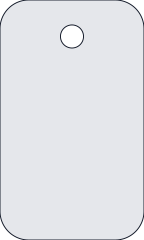 Keychain tag1.5 x 2.5 inDownload SVG
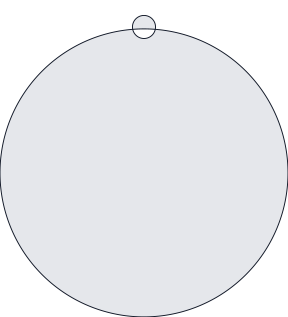 Round ornament3 x 3.3 inDownload SVG
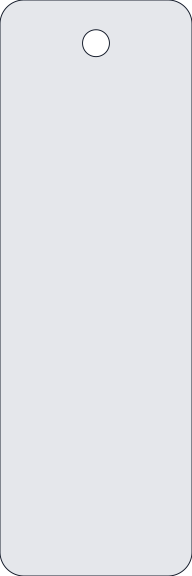 Bookmark, 2 x 6 in2 x 6 inDownload SVG
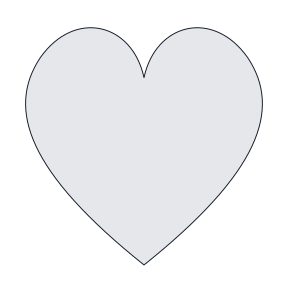 Heart, 3 in3 x 3 inDownload SVG
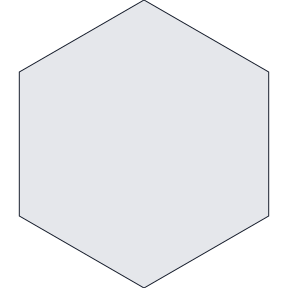 Hexagon, 3 in3 x 3 inDownload SVG
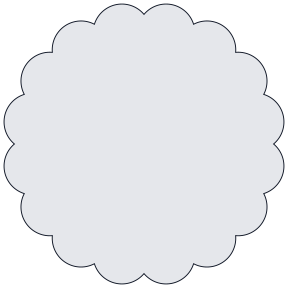 Scalloped badge, 3 in3 x 3 inDownload SVG
How to use a template
- Download the SVG and open it in your cutting software or design tool.
- Check the size. Cricut and Silhouette sometimes rescale on import, so set the width and height to the size on the card.
- Place your artwork inside the shape. For stickers, print first, then cut along this outline.
- Cut one test piece before running the whole sheet.
Make a cut file from your own artwork
Need the outline of your own logo or drawing instead? Trace it with the SVG tracer using the black and white style, then run the result through the SVG cut checker to catch live text, open paths and tiny specks before you cut.
Using a laser or CNC
For machines that want a DXF, convert any template with SVG to DXF. The file comes out in millimeters, and the DXF checker confirms the units and size.
Questions
Can I sell things I cut from these?
Yes. These are plain geometric shapes. Use them for anything, including products you sell.
Why are the shapes gray with a dark outline?
The gray fill makes each one easy to select and fill with your own color. The outline is the cut path. Change either in your design software.
Do they work in Cricut Design Space?
Yes. Upload the SVG, set the size, and cut. Each file is a single closed shape, with holes where the design needs them.